Check before you paste.
Finds names, contact details, ID numbers and health details in your text and swaps them for realistic fakes, so you can still use AI. It runs on your Mac, and nothing you check leaves it.
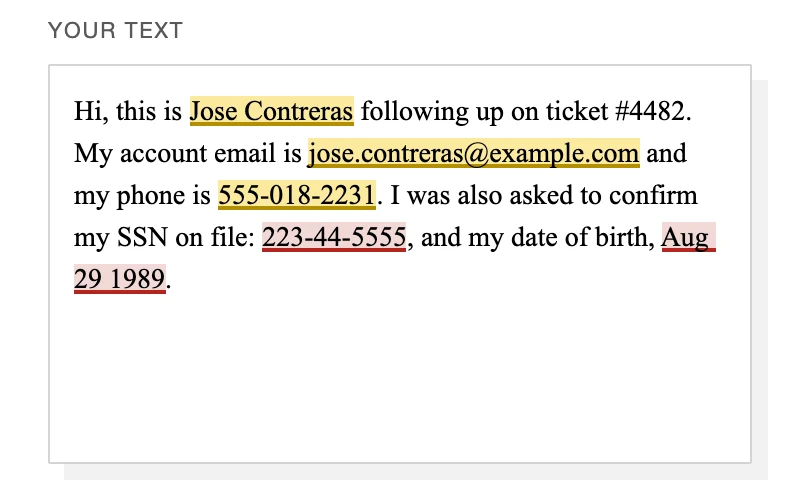
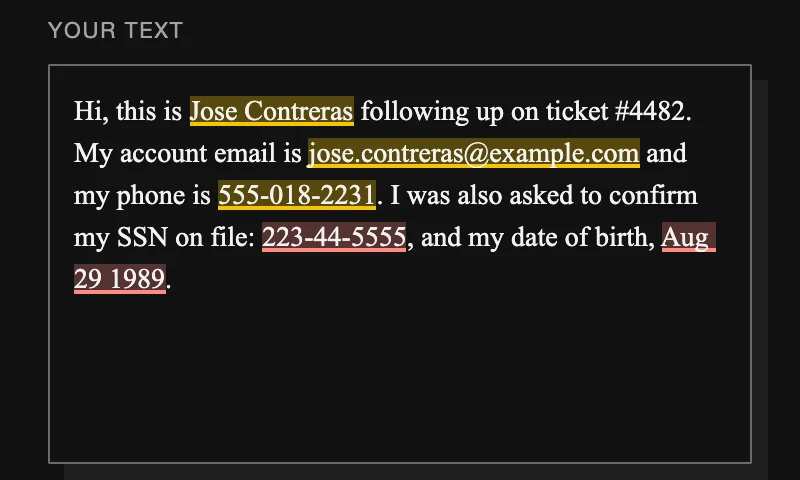
1. What was found, marked in your text
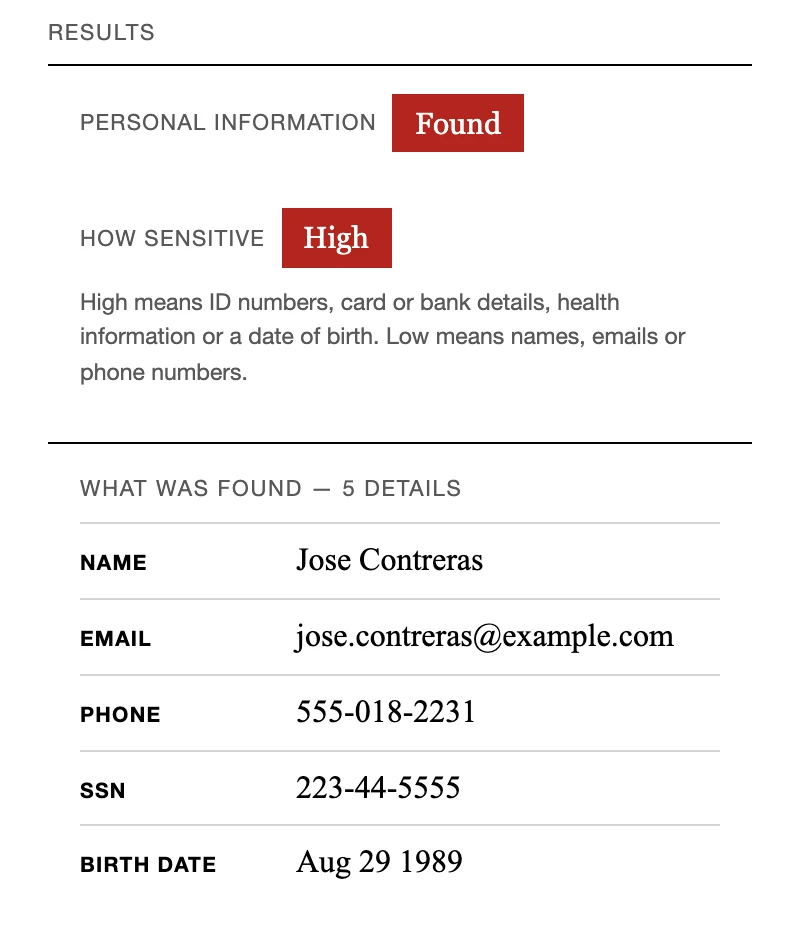
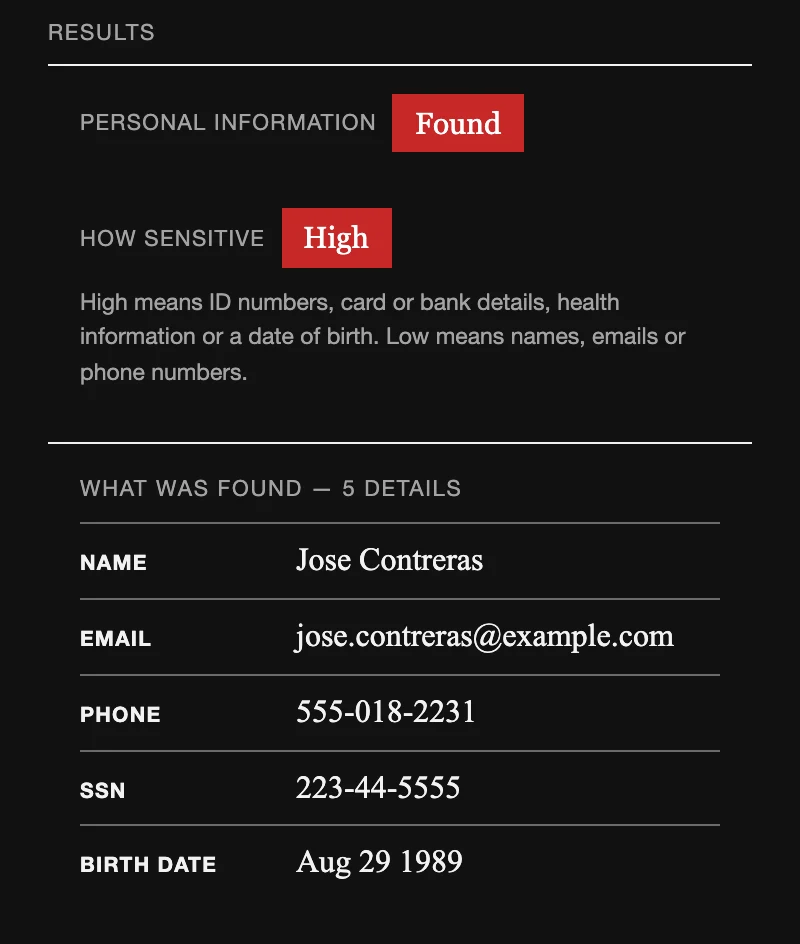
2. The result, and how sensitive it is
3. Every detail swapped for a fake, ready to paste
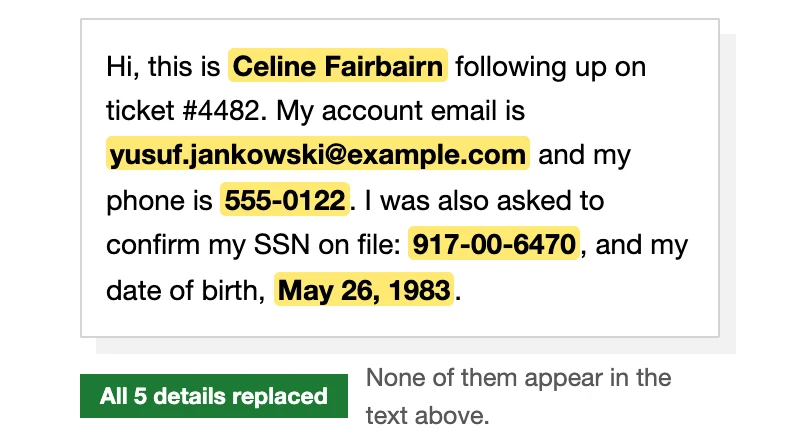
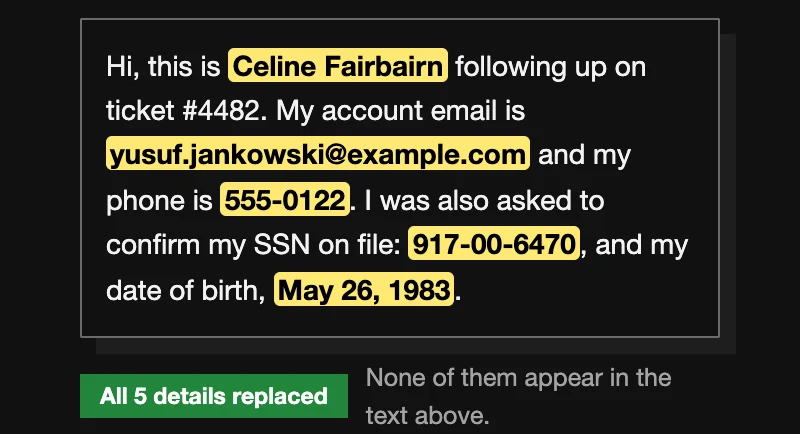
The app's real results for a made-up text, replayed at a steady pace.
For people who handle other people's details
If your work involves clients, patients, employees or customers, their details are in the text you want help with.
Lawyers and legal teams
Summarize a client email or tighten a draft without putting your client's name, contact details or ID numbers into an AI chat.
HR and recruiting
Draft a reference or summarize interview notes without sharing a candidate's name, contact details or date of birth.
Clinicians and care teams
Get help with a letter or a summary without pasting a patient's name next to their health details.
Support and client teams
Summarize a ticket or a long thread without the customer's email, phone or card number in it.
How it works
Three steps, all on your Mac.
1. Paste or import
Paste text, or import a .txt, .csv or .pdf. Long documents are checked part by part.
2. See what was found
Each detail is marked in your text and listed by type, with how sensitive it is: High for ID numbers, card and bank details, health details and dates of birth; Low for names, emails and phone numbers.
3. Swap for fakes, then check again
Each detail becomes a realistic fake, so the text still reads naturally in your AI tool. Check the result again, and read it before you share it.
Want to try it?
Early-access invites go first to the first 100 people on the list, and to anyone who brings three others.
For Macs with Apple Silicon (M1 or later), macOS 14 or later and at least 8 GB of memory.
No spam, and we never sell or share the list: your email is used only to contact you about access. We count visits without cookies.
What counts as personal information
Personally identifiable information (PII) is anything that points to a specific person, by itself or combined with other details.
Identifies someone directly
Names, personal email addresses and phone numbers, home addresses.
Sensitive if exposed
ID, passport and licence numbers, card and bank details, dates of birth, health details about a person.
Adds up to one person
No single detail names anyone, but together they can: "the 38-year-old radiographer on the night shift at St Mary's".
A company's general inbox, a public figure in a public role and obvious placeholder data usually don't count. Legal definitions vary by country; this is a plain-language summary, not legal advice. What not to paste into an AI tool →
The details
What the app does, and what it doesn't.
Runs on your Mac
Checking happens on your Mac, with no uploads and no API calls. The app goes online only to activate, and when you choose to send feedback.
Patterns and a model
Exact patterns catch ID, card and bank numbers, emails and phone numbers. A small AI model on your Mac reads for names and health details.
Real documents
Long documents are checked in overlapping parts, so nothing at a break is skipped. Tables are listed row by row, and PDF pages with no text are reported as not checked.
Plain answers
Found, none found or not sure. A part it couldn't check is never reported as clean, and anything it missed stays in the text, so read the result before you share it.
Questions
What will it cost?
One payment, with no subscription. The price isn't set yet.
Which Macs does it run on?
Macs with Apple Silicon (M1 or later) running macOS 14 or later, with at least 8 GB of memory and about 2.5 GB of free disk space.
Does it work with ChatGPT, Claude or Copilot?
Yes, with any AI tool. You check the text before you paste it, so it doesn't matter where it goes next.
Does it catch everything?
No checker does. It leans towards flagging, so you'll see the odd false alarm, but it can still miss things, especially names in ordinary sentences. Read the result before you share it, and don't rely on it as your only safeguard.
Does anything I check leave my Mac?
No. The text and files you check stay on your Mac. The app goes online only to activate, and when you choose to send feedback, after showing you exactly what will be sent.
Is there a version for Windows or Intel Macs?
Not yet. Join the waitlist and tell us which computer you'd use; it helps us decide what comes next.
What do you do with my email?
We use it only to contact you about access, and never sell or share it.
Custom setups for businesses
Every organization's documents and definition of "sensitive" look a little different. We set up tailored versions on request, starting with a conversation.
- Tuned to the kinds of documents you handle
- Your own sensitivity categories, alongside ours
- Deployed where you need it: on your own servers, in your private cloud, or as the standard Mac app
About

Hi, I'm Ivan Jovanovic. I'm building Can I Prompt That in the San Francisco Bay Area.
Personal details end up in AI chats by accident: inside an email thread, a meeting note or a spreadsheet export. I wanted a simple way to check first, on my own computer, so the text never has to leave it.
Being careful with other people's information shouldn't mean giving up the best AI tools. Swap the real details for fakes and you get the same help, without putting your clients, or yourself, at risk.
Contact
Questions, feedback, or something the app got wrong? Send a note.